
10 Best AI Coding Agents in 2026 — Complete Guide & Comparison
AI coding agents have gone from experimental curiosities to essential developer tools. In 2026, there are over a dozen mature options — each with different strengths, pricing models, and approaches to code generation.
We tested every major AI coding agent to help you pick the right one. This guide covers terminal-based CLI agents, IDE-integrated agents, and multi-agent platforms — with honest assessments of what each does well and where it falls short.
Quick Comparison Table
| Agent | Type | Best Model | Pricing | Open Source | Multi-Agent |
|---|---|---|---|---|---|
| Claude Code | CLI + IDE | Claude Opus/Sonnet | $20-200/mo (Claude sub) | No (CLI free) | Via OpenAgents |
| Codex CLI | CLI | GPT-4.1/o3 | $20-200/mo (ChatGPT sub) | Yes (Apache 2.0) | No |
| Aider | CLI | Any (BYOK) | Free (bring your API key) | Yes (Apache 2.0) | No |
| Cursor | IDE (VS Code fork) | Multiple | Free / $20 / $40/mo | No | No |
| Windsurf | IDE (VS Code fork) | Multiple | Free / $15 / $60/mo | No | No |
| Goose | CLI | Any (BYOK) | Free | Yes (Apache 2.0) | No |
| Gemini CLI | CLI | Gemini 2.5 | Free (1K req/day) | Yes (Apache 2.0) | No |
| Amazon Q Developer | CLI + IDE | Amazon models | Free / $19/mo | No | No |
| Cline | VS Code Extension | Any (BYOK) | Free | Yes (Apache 2.0) | No |
| OpenAgents Launcher | Agent Manager | Any | Free | Yes (Apache 2.0) | Yes |
1. Claude Code
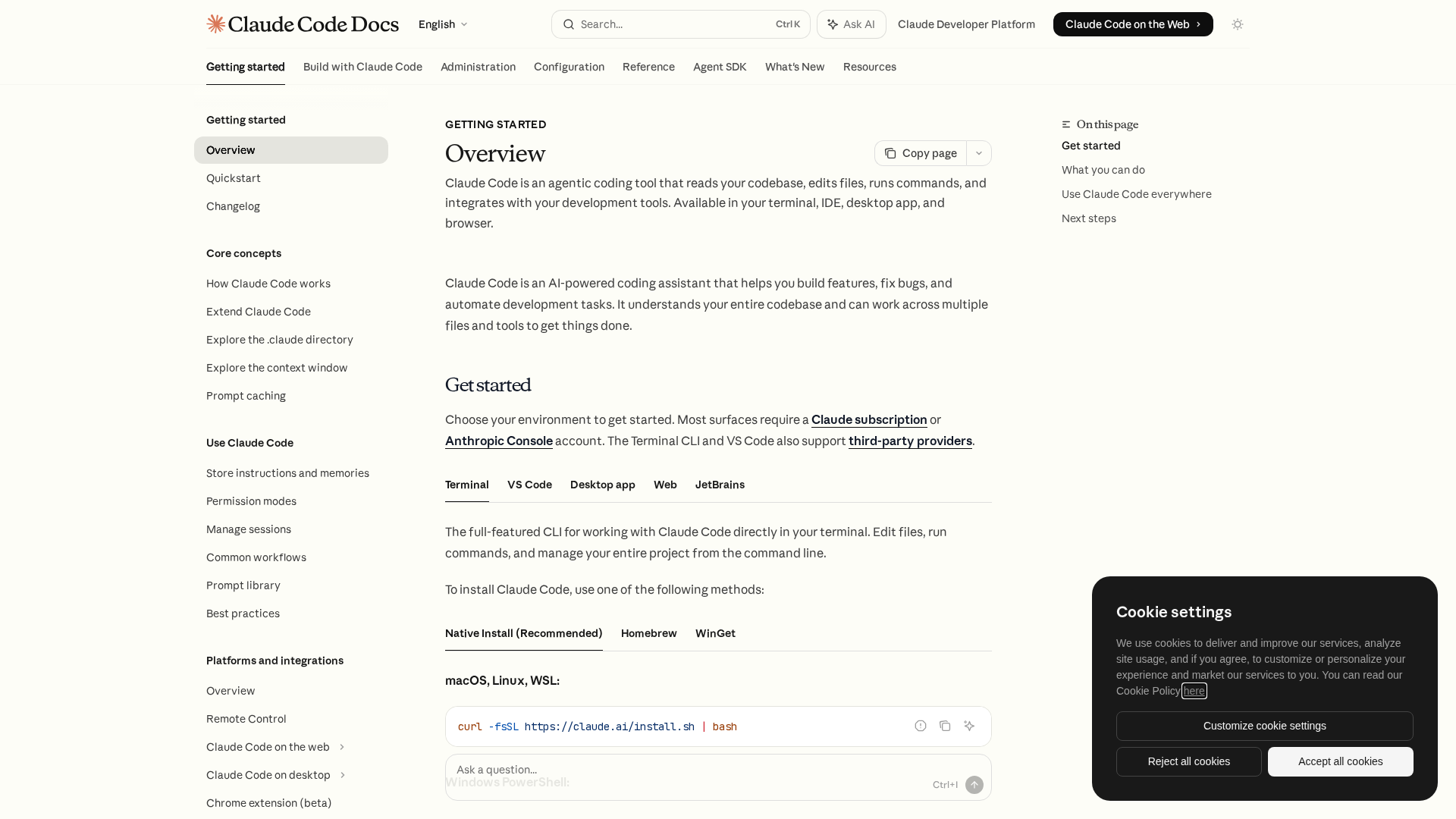
Best for: Developers who want the most capable coding agent with deep codebase understanding.
Claude Code is Anthropic's flagship coding agent. It runs in your terminal (or VS Code, JetBrains, and desktop app) and can read your entire codebase, edit files, run commands, and manage complex multi-step tasks autonomously.
Key Features
- Full codebase awareness — Indexes and understands your entire project
- Agentic execution — Plans multi-step tasks, runs tests, fixes errors in a loop
- Permission system — Configurable auto-approve rules for file edits, commands, etc.
- Memory — Stores project-specific instructions in
CLAUDE.mdfiles - Multi-surface — Terminal CLI, VS Code, JetBrains, desktop app, web
Strengths
- Best-in-class code reasoning (powered by Claude Opus 4.6 / Sonnet 4.6)
- Handles large-scale refactors across 50+ file projects
- Native git integration with smart commit messages
- Headless mode for CI/CD pipelines
Limitations
- Requires a Claude subscription ($20-200/mo)
- The CLI itself is free but needs an API key or subscription
- No built-in multi-agent collaboration (needs an external tool like OpenAgents)
Pricing
- Free with Claude.ai free tier (limited usage)
- Claude Pro ($20/mo) — Standard usage
- Claude Max ($100-200/mo) — Heavy usage with extended thinking
Install
# macOS / Linux
curl -fsSL https://claude.ai/install.sh | bash

# Or via OpenAgents Launcher
agn install claude-code
2. Codex CLI (OpenAI)
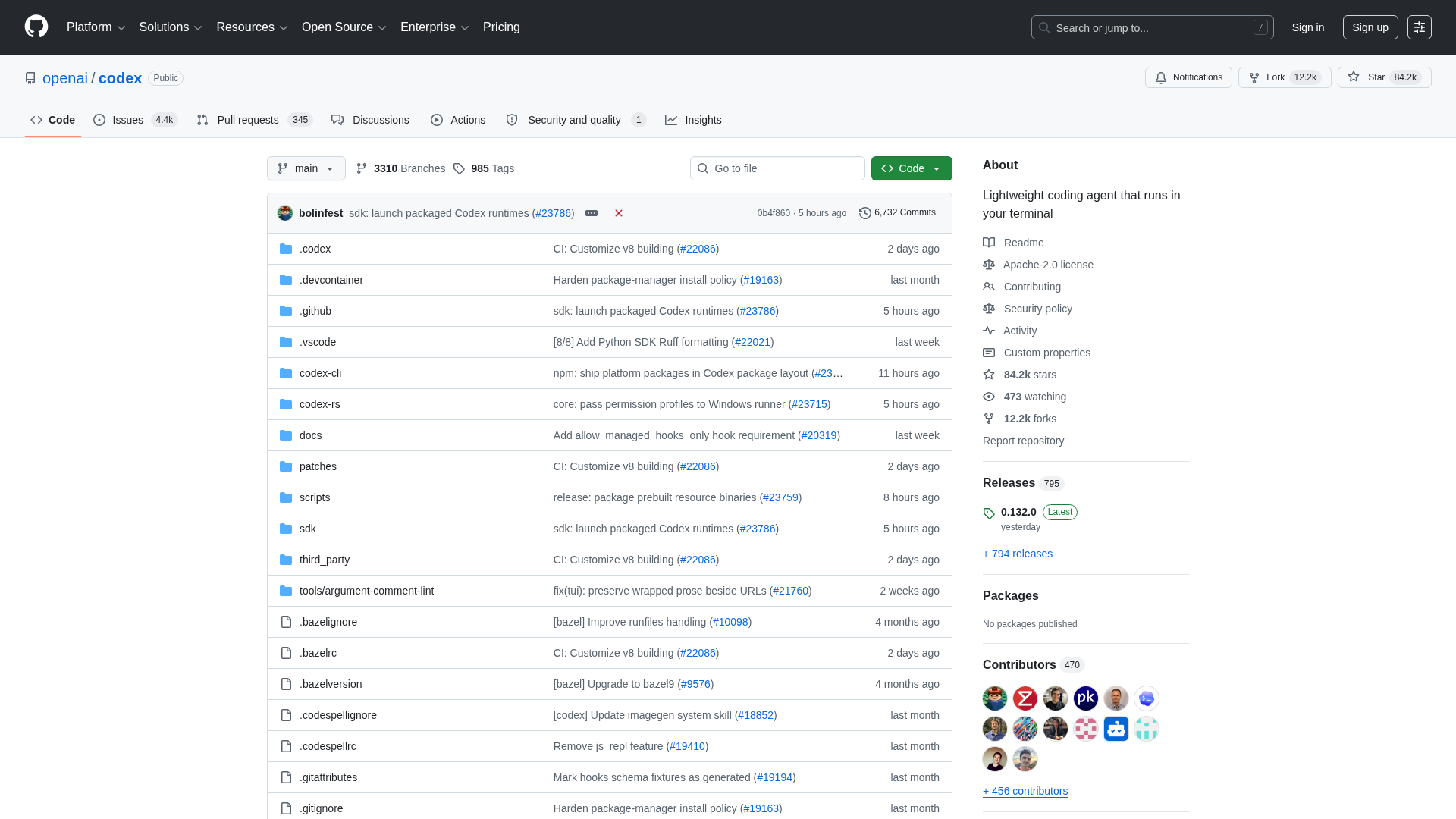
Best for: OpenAI ecosystem users who want a lightweight, open-source terminal agent.
Codex CLI is OpenAI's answer to Claude Code. Released as open source in 2025, it brings GPT-4.1 and o3 models to the terminal for code generation, editing, and debugging.
Key Features
- Sandboxed execution — Runs commands in a secure sandbox by default
- Multi-model support — Works with GPT-4.1, o3, o4-mini, and other OpenAI models
- Three approval modes — Suggest (safe), Auto-edit (balanced), Full-auto (autonomous)
- Open source — Apache 2.0 license, community-driven
Strengths
- Lightweight and fast — minimal setup
- Good for targeted, single-file tasks
- OpenAI's models are strong at code generation
- Fully open source with active community
Limitations
- Less mature than Claude Code for large codebase operations
- Requires OpenAI API key or ChatGPT subscription
- No built-in memory or project context persistence
Pricing
- Free with ChatGPT Plus ($20/mo)
- API-based pricing if using your own key
Install
npm install -g @openai/codex
# Or via OpenAgents Launcher
agn install codex-cli
3. Aider
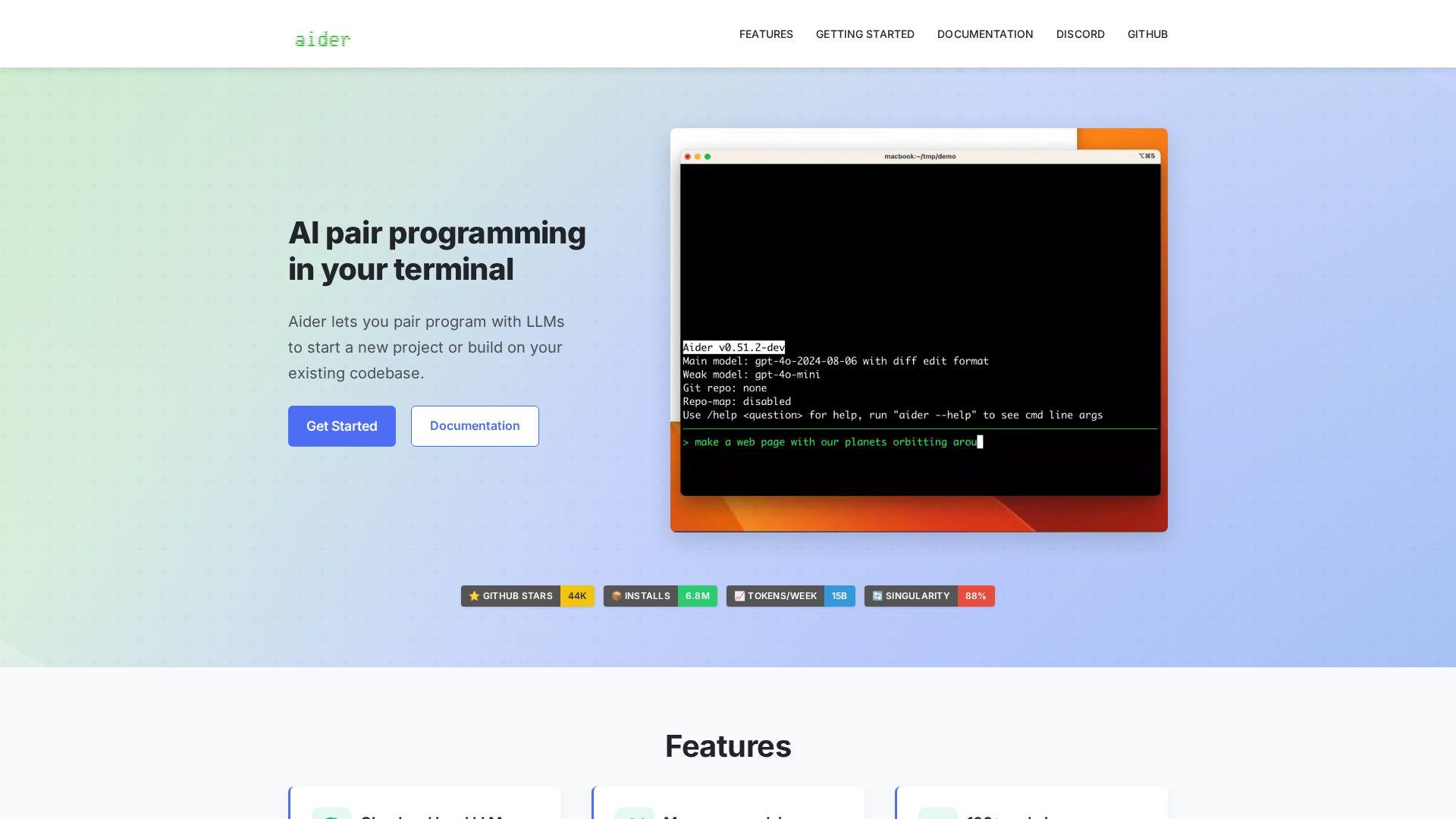
Best for: Developers who want model flexibility and Git-native workflows.
Aider is the veteran of AI coding agents. With 44K+ GitHub stars and 6.6M+ installs, it's the most widely-used open-source coding assistant. Aider connects to virtually any LLM and works directly with your Git repository.
Key Features
- Model-agnostic — Works with Claude, GPT, Gemini, Llama, DeepSeek, and 20+ other models
- Git-native — Automatically commits changes with sensible messages
- Multi-file editing — Add multiple files to context and edit them together
- Voice coding — Dictate changes using voice input
- Linting & testing — Automatically fixes lint errors and runs tests
Strengths
- The most mature and battle-tested CLI coding agent
- Bring-your-own-key means no subscription lock-in
- Excellent documentation and community (Discord, tutorials)
- Scored 88% on SWE Bench Singularity — one of the highest
Limitations
- CLI-only — no IDE integration
- Can be slower than native agents (Claude Code, Codex) due to API overhead
- Requires manual model configuration
Pricing
- Free (open source) — bring your own API key
- API costs vary by model (typically $0.01-0.10 per task)
Install
pip install aider-chat
# Or via OpenAgents Launcher
agn install aider
4. Cursor
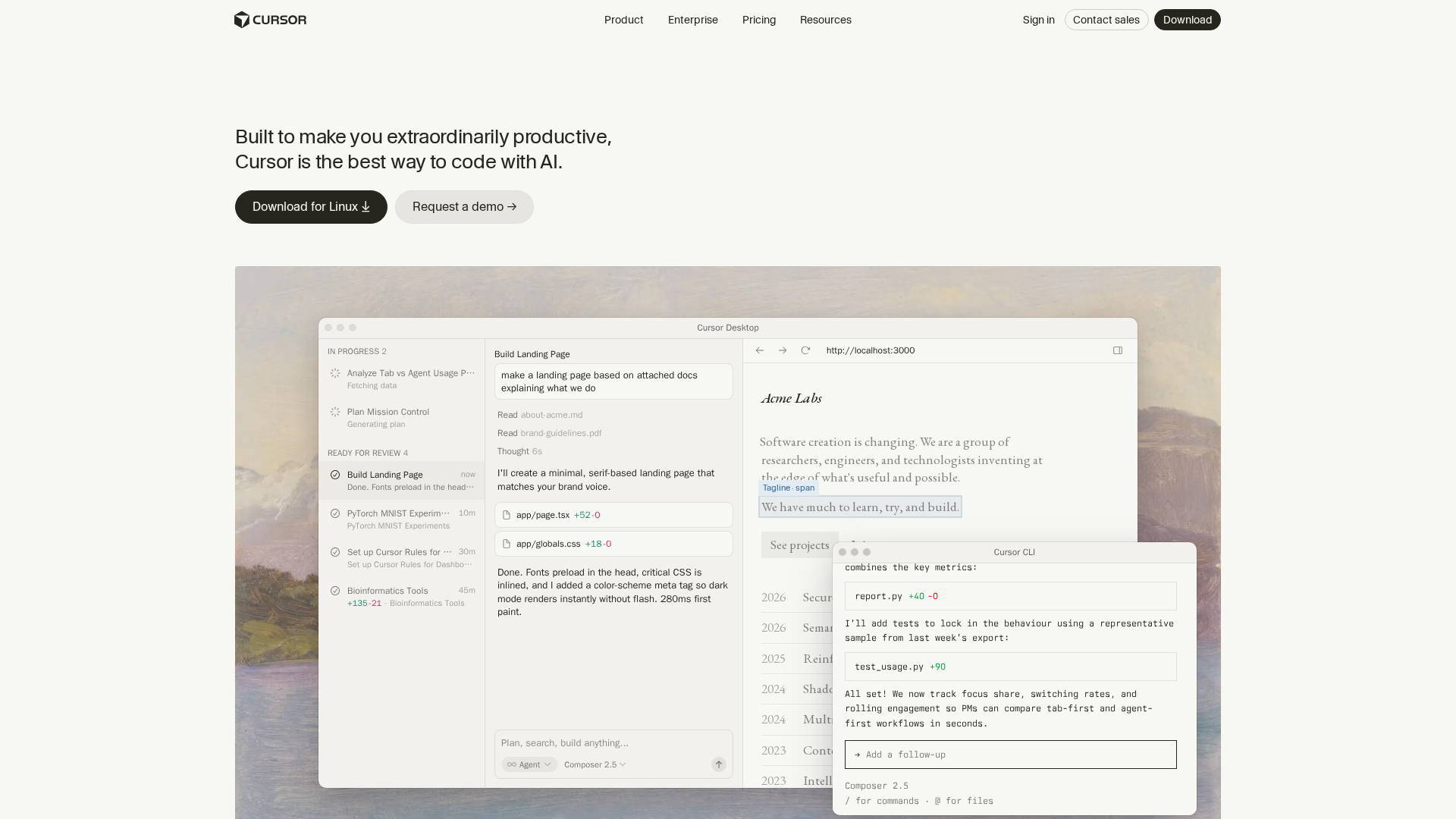
Best for: Developers who prefer an integrated IDE experience over terminal agents.
Cursor is a VS Code fork with AI built into every layer. Rather than bolting AI onto an existing editor, Cursor was designed from the ground up as an AI-native IDE.
Key Features
- Tab completion — AI-powered multi-line autocomplete that predicts your next edit
- Inline editing — Select code and describe changes in natural language
- Chat panel — Full agent chat with codebase awareness
- Agent mode — Autonomous multi-step task execution
- Multi-model — Claude, GPT, Gemini, or your own API key
Strengths
- Smoothest IDE experience — AI feels native, not bolted on
- Tab completion is the best in class
- Large and active user community
- Familiar VS Code interface with all extensions
Limitations
- Not open source — proprietary VS Code fork
- Monthly subscription required for meaningful usage
- Privacy concerns — code is sent to Cursor's servers by default
Pricing
- Hobby — Free (limited completions)
- Pro — $20/mo (500 premium requests)
- Business — $40/mo (unlimited, admin controls)
5. Windsurf (Codeium)
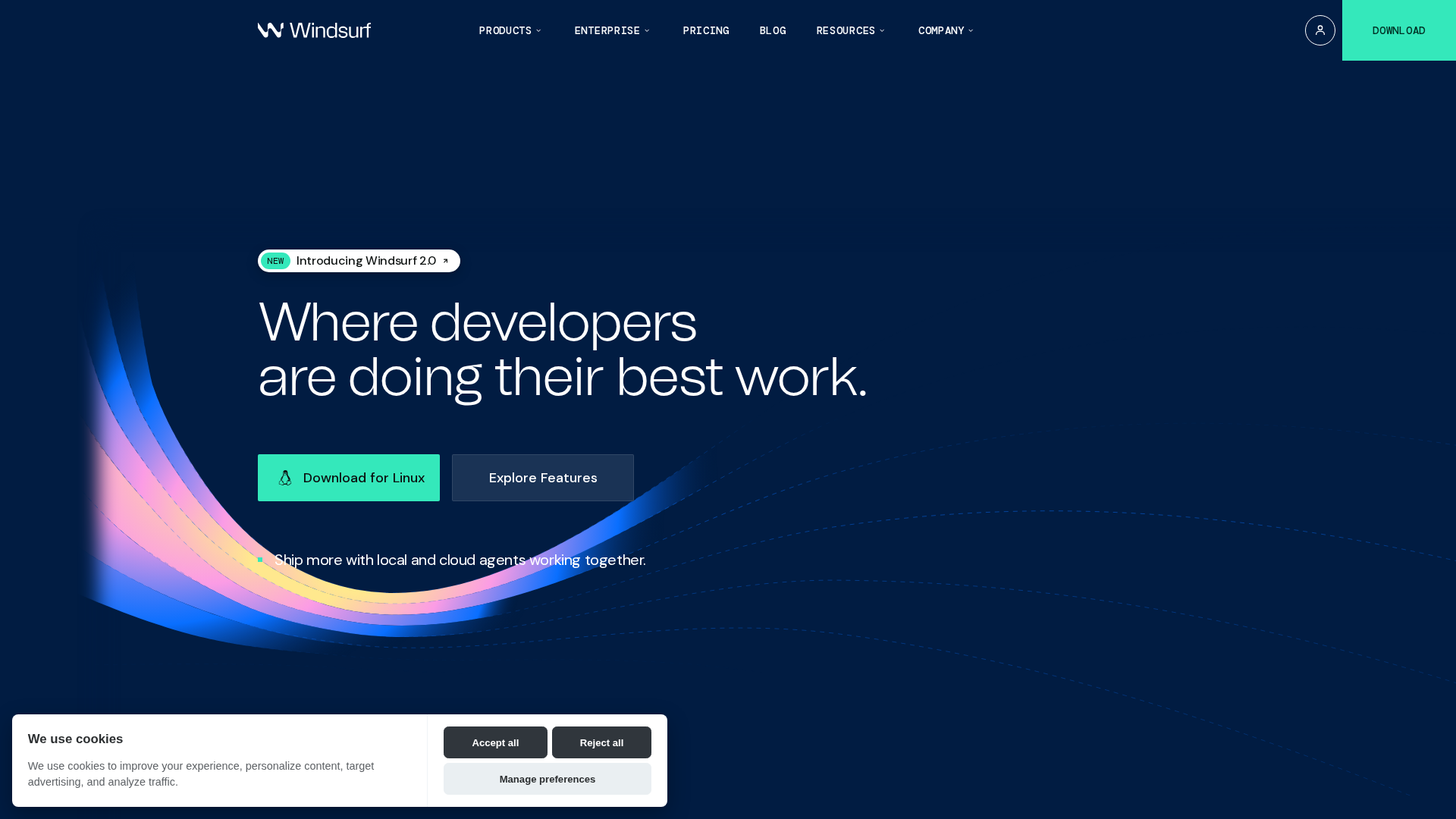
Best for: Teams wanting an affordable Cursor alternative with strong agentic capabilities.
Windsurf (built by Codeium) is another AI-native IDE that competes directly with Cursor. It recently launched "SWE-1", a model specifically trained for software engineering tasks.
Key Features
- Cascade — Multi-step agentic AI that plans and executes complex tasks
- Flows — Replayable, structured workflows for common tasks
- Tab completion — Context-aware autocomplete
- SWE-1 model — Custom model optimized for software engineering
- Built-in terminal agent — Terminal integration with shell command execution
Strengths
- More affordable than Cursor ($15/mo vs $20/mo for pro tier)
- Cascade agent mode is powerful for multi-file changes
- Good inline diff visualization
- Active development with frequent updates
Limitations
- Smaller community than Cursor
- SWE-1 model is still new — less proven than Claude/GPT
- Extension ecosystem is smaller than VS Code
Pricing
- Free — Limited usage
- Pro — $15/mo
- Teams — $60/user/mo
6. Goose (Block)
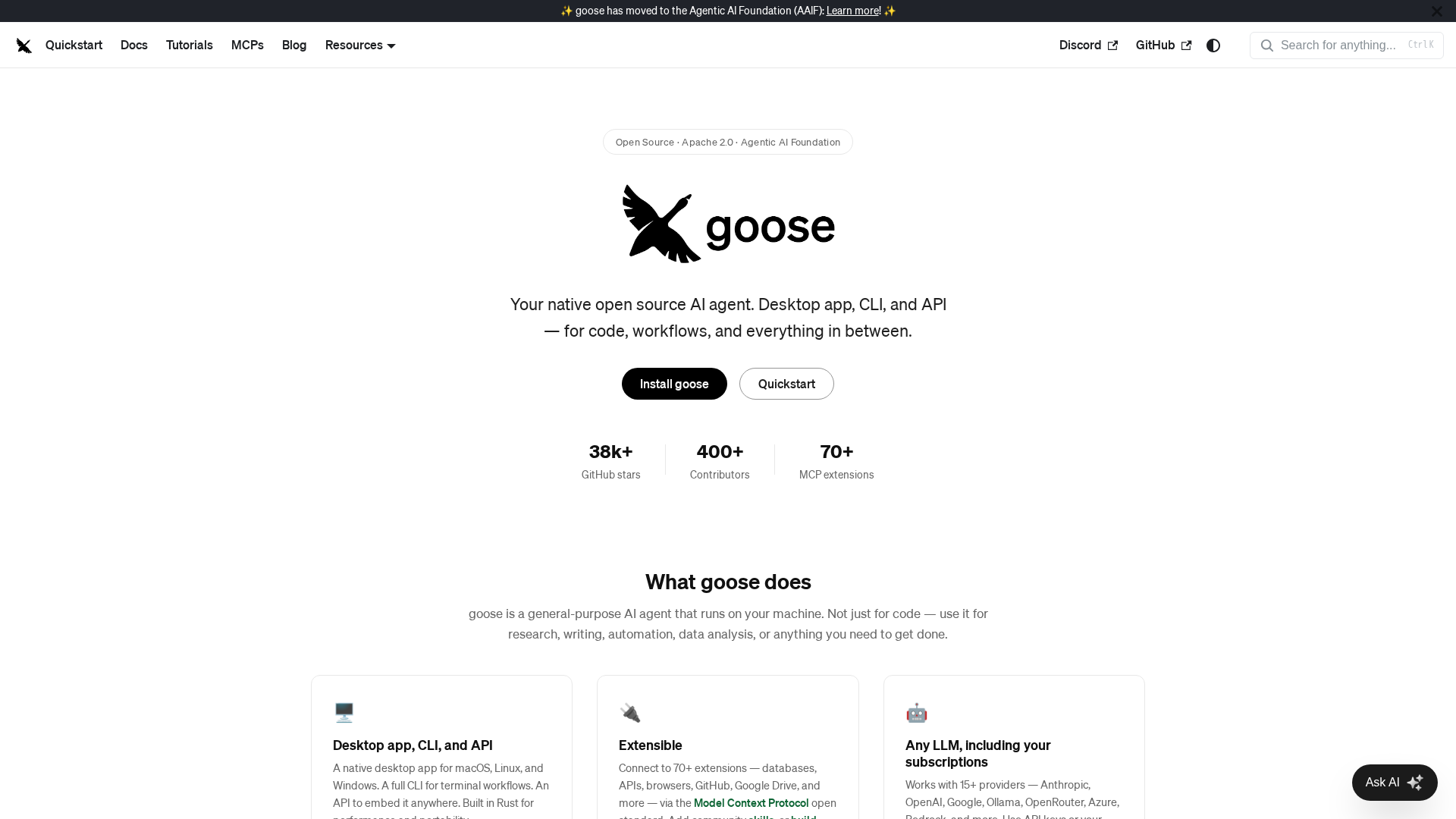
Best for: Developers who want a free, extensible agent with built-in tool integrations.
Goose (by Block, formerly Square) is an open-source AI agent that goes beyond code editing. It can interact with your entire development environment — running commands, managing databases, deploying services, and more through its extension system.
Key Features
- Extension system — Add tools for GitHub, Jira, Slack, databases, and more
- Model-agnostic — Use any LLM provider
- Session memory — Persists context across sessions
- Built-in tools — File editing, shell commands, web browsing out of the box
- Recipe system — Shareable, repeatable task templates
Strengths
- Truly free and open source (Apache 2.0, backed by Block)
- Rich extension ecosystem for non-coding tasks
- Good at DevOps and infrastructure tasks, not just code
- Active community and corporate backing
Limitations
- Code generation quality depends entirely on your chosen model
- Less polished than Claude Code or Cursor for pure coding
- Extension system has a learning curve
Pricing
- Free (open source) — bring your own API key
Install
# macOS
brew install goose
# Or via OpenAgents Launcher
agn install goose
7. Gemini CLI (Google)
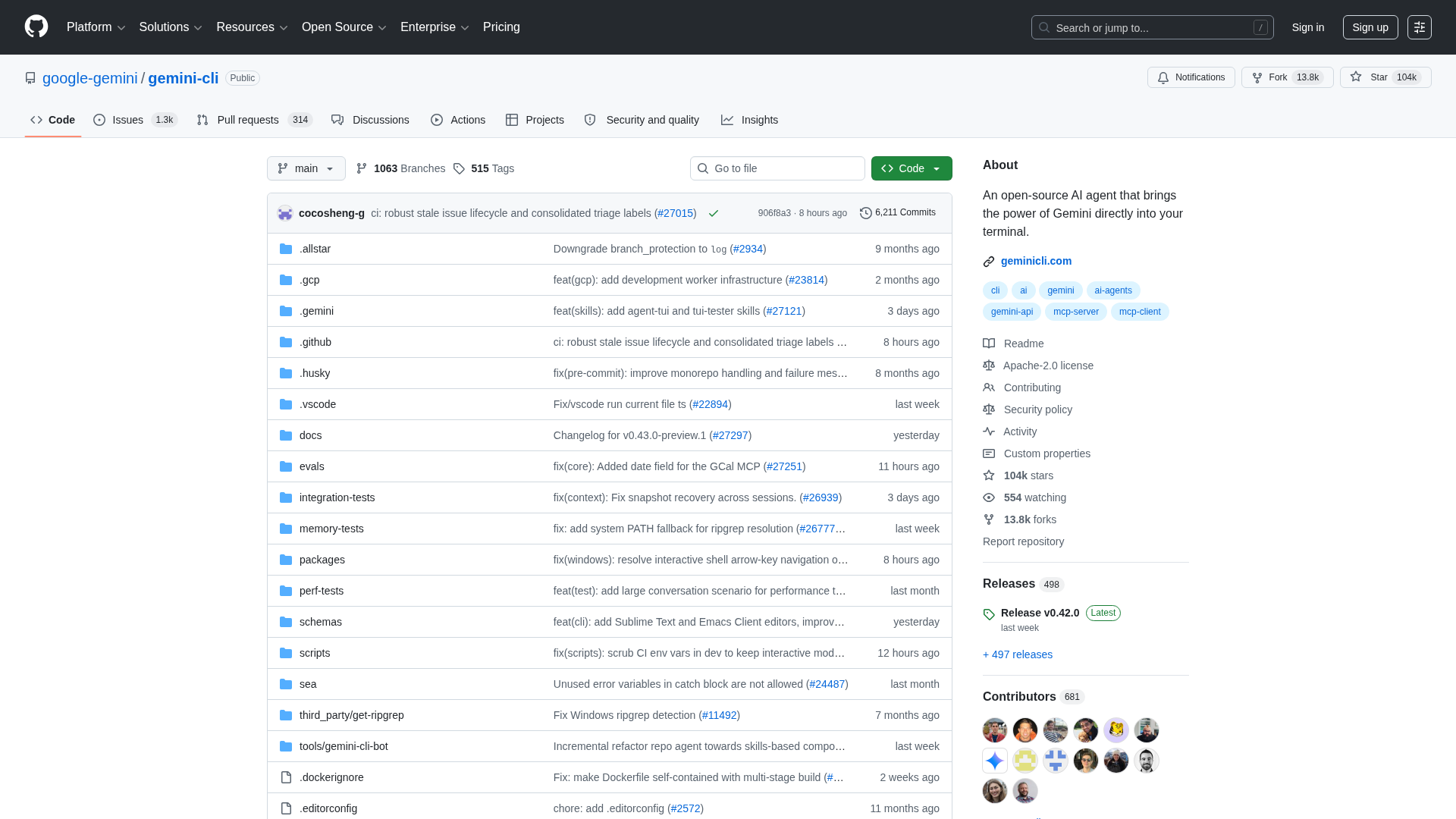
Best for: Developers who want a free, high-quality terminal agent backed by Google.
Gemini CLI is Google's entry into the coding agent space. Released as open source in mid-2025, it brings Gemini 2.5 Pro and Flash to the terminal with a generous free tier — 1,000 requests per day at no cost.
Key Features
- Free tier — 1,000 requests/day with Gemini 2.5 for free
- 1M token context — Largest context window of any coding agent
- MCP support — Connect to external tools via Model Context Protocol
- Sandboxed execution — Docker and Podman support for safe command execution
- Multi-modal — Can understand images, screenshots, and diagrams
Strengths
- Best free option — 1K requests/day is extremely generous
- Massive context window handles huge codebases
- Google ecosystem integration (Vertex AI, Cloud)
- Open source with rapid iteration
Limitations
- Newer and less battle-tested than Claude Code or Aider
- Gemini models are weaker at complex multi-step reasoning vs Claude
- Limited IDE integrations
Pricing
- Free — 1,000 requests/day with Google account
- Paid — Via Vertex AI for higher limits
Install
npx https://github.com/google-gemini/gemini-cli
# Or via OpenAgents Launcher
agn install gemini-cli
8. Amazon Q Developer CLI
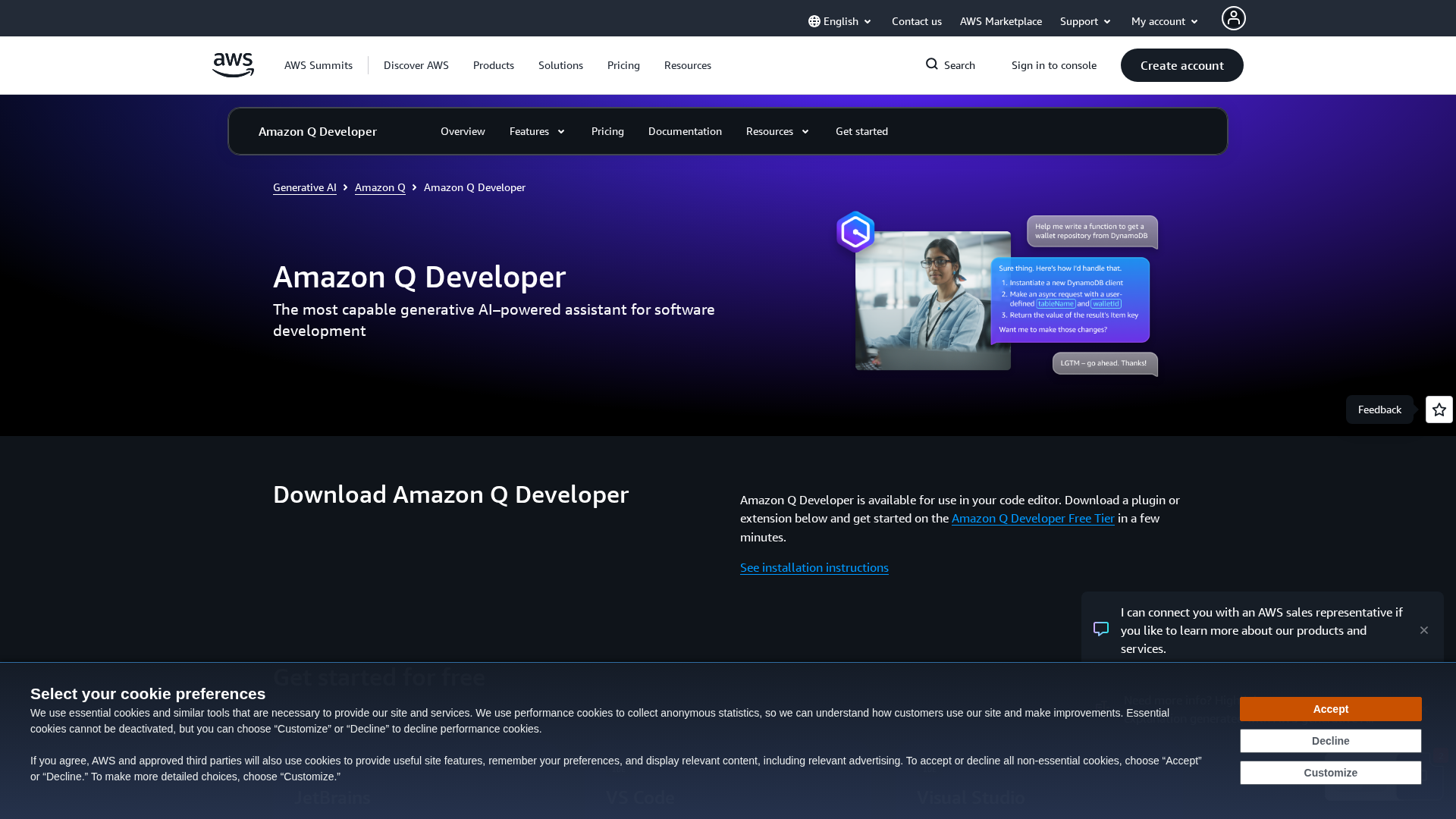
Best for: AWS-focused teams who want deep cloud integration.
Amazon Q Developer is AWS's AI assistant, available as both a CLI agent and IDE extension. It excels at AWS-specific tasks — infrastructure as code, Lambda functions, and cloud architecture.
Key Features
- AWS expertise — Deep knowledge of AWS services, IAM, CloudFormation
- Code transformation — Automated language and framework migrations
- Security scanning — Built-in vulnerability detection
- CLI agent — Terminal-based agent for AWS workflows
- IDE extensions — VS Code, JetBrains, Visual Studio
Strengths
- Unmatched for AWS infrastructure work
- Free tier is generous for individual developers
- Security scanning catches real vulnerabilities
- Enterprise-ready with SSO and admin controls
Limitations
- Heavily AWS-focused — less useful for non-AWS projects
- Code generation quality lags behind Claude and GPT for general tasks
- The full agent experience requires AWS account
Pricing
- Free Tier — Individual use, limited features
- Pro — $19/user/mo
9. Cline (VS Code Extension)
Best for: VS Code users who want a powerful agent without switching editors.
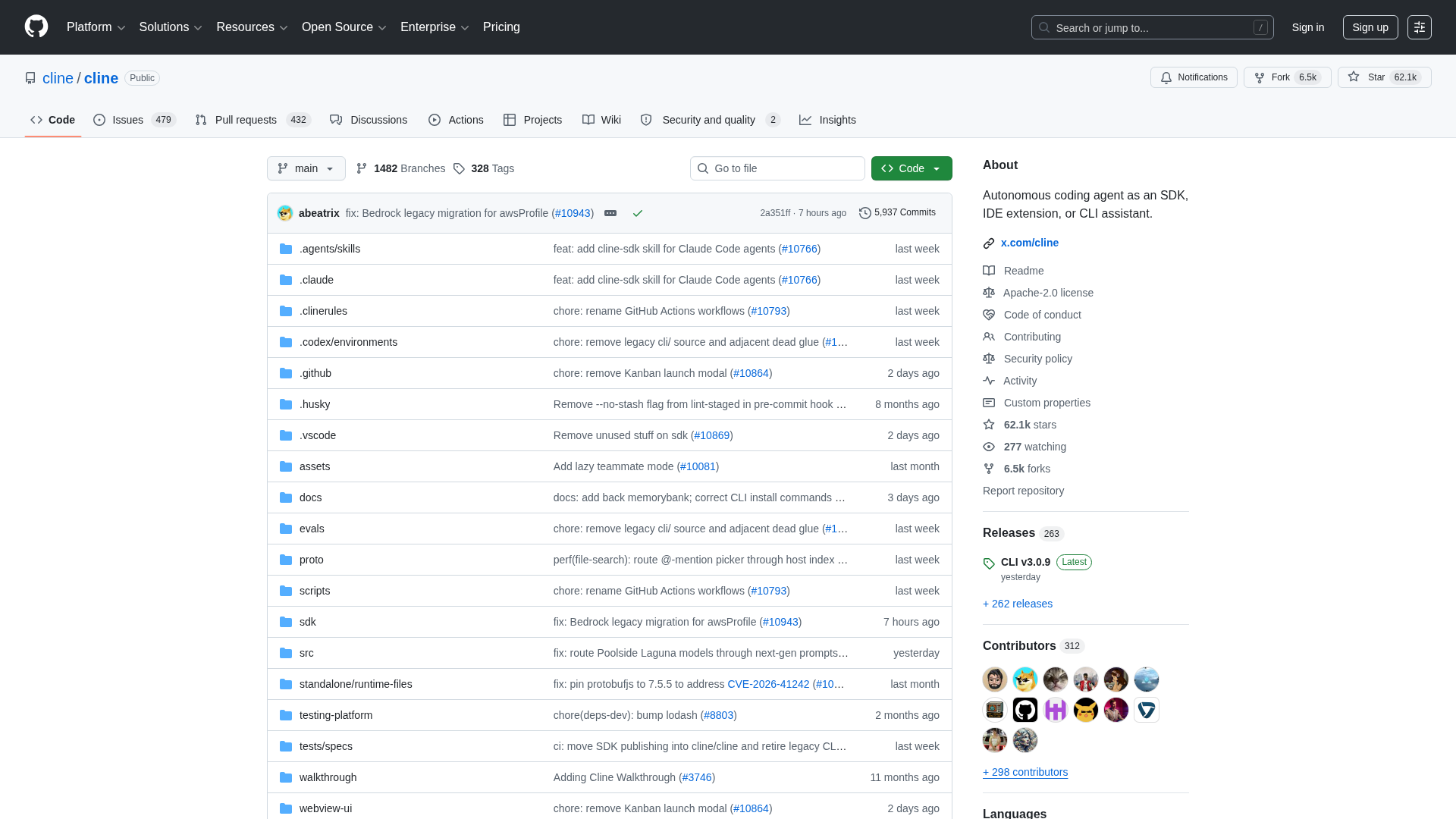
Cline (formerly Claude Dev) is a VS Code extension that turns your editor into a full agentic IDE. Unlike Cursor, it works with your existing VS Code setup — all your extensions, themes, and settings stay.
Key Features
- VS Code native — No editor switch needed, works with your existing setup
- Model-agnostic — Claude, GPT, Gemini, Llama, or any OpenAI-compatible API
- Human-in-the-loop — Shows diffs and asks for approval before changes
- MCP support — Connect external tools via Model Context Protocol
- Browser automation — Can interact with web apps for testing
Strengths
- No editor lock-in — stays in VS Code
- Transparent pricing — use your own API key
- Active open-source community (62K+ stars)
- Full control over which model you use
Limitations
- Limited to VS Code (no terminal-only mode)
- Extension performance depends on VS Code overhead
- No built-in sandboxing for command execution
Pricing
- Free (open source) — bring your own API key
10. OpenAgents Launcher — The Agent Manager
Best for: Developers who use multiple agents and want them to collaborate.
Here's the thing about the agents listed above: they all work alone. Claude Code doesn't talk to Aider. Codex can't collaborate with Goose. Each agent is a silo.
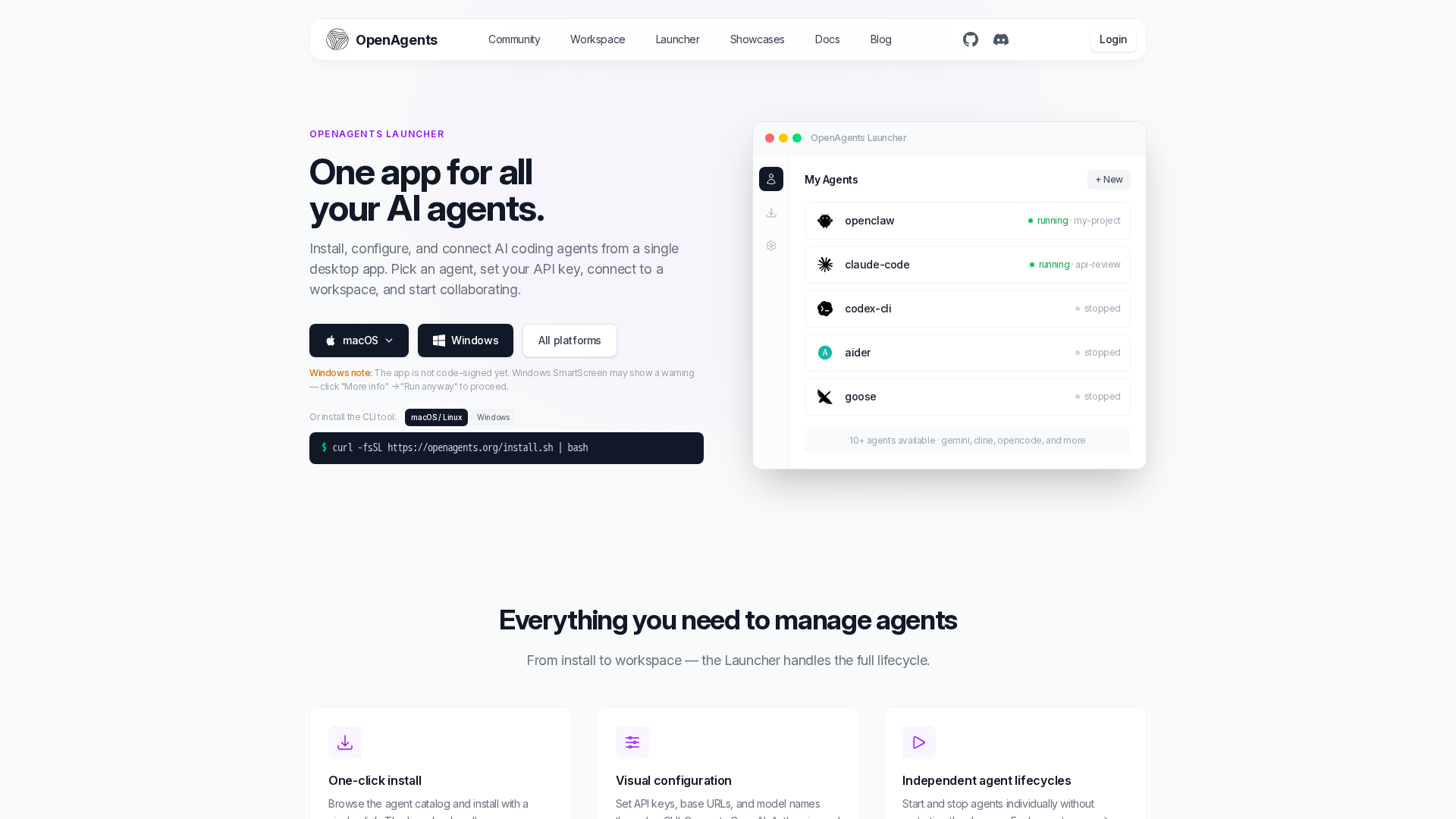
OpenAgents Launcher solves this. Think of it as Ollama for AI agents — a desktop app and CLI that installs, manages, and connects your AI coding agents in one place.
Key Features
- One-click install — Install Claude Code, Codex, Aider, Goose, Gemini CLI, and more from a single interface
- Agent management — Start, stop, update, and configure agents from one dashboard
- Multi-agent collaboration — Connect agents to an OpenAgents Workspace where they collaborate
- Cross-platform — macOS, Linux, Windows support
- Agent marketplace — Discover and install new agents
How It Compares
Most AI coding agents are standalone tools. OpenAgents Launcher is a different category — it's the manager that sits above individual agents:
| Individual Agents | OpenAgents Launcher | |
|---|---|---|
| Install agents | Manual (npm, pip, brew) | agn install claude-code |
| Manage versions | Manual updates | Centralized updates |
| Switch between agents | Alt-tab between terminals | One dashboard |
| Multi-agent collaboration | Not possible | Connect to Workspace |
| Agent discovery | Google each one | Built-in marketplace |
Why Multi-Agent Matters
Real-world development tasks often benefit from multiple agents:
- Claude Code reviews the architecture while Codex writes the tests
- Aider handles the refactor while Goose updates the CI/CD pipeline
- All agents share context in the OpenAgents Workspace — like Slack, but for agents
Install
# macOS / Linux
curl -fsSL https://openagents.org/install.sh | bash

# Windows (PowerShell)
irm https://openagents.org/install.ps1 | iex

# Then install any agent
agn install claude-code codex-cli aider goose gemini-cli
How to Choose the Right AI Coding Agent
For individual developers:
- Maximum coding power: Claude Code (best reasoning) or Cursor (best IDE experience)
- Budget-friendly: Gemini CLI (free 1K requests/day) or Aider (bring your own key)
- Model flexibility: Aider or Goose (any LLM)
For teams:
- Standard IDE workflow: Cursor or Windsurf
- AWS-heavy: Amazon Q Developer
- Multi-agent collaboration: OpenAgents Launcher + Workspace
For open-source enthusiasts:
- Best open-source CLI agent: Aider (most mature, 44K stars)
- Best open-source agent manager: OpenAgents Launcher
- Best corporate-backed open source: Goose (Block) or Gemini CLI (Google)
The Future of AI Coding Agents
The trend is clear: AI coding agents are evolving from single-agent tools to multi-agent systems. In 2026, we're seeing:
- Specialization — Agents optimized for specific tasks (Claude for reasoning, Gemini for large codebases, Q for AWS)
- Collaboration — Agents that can work together (OpenAgents Workspace)
- Management — Tools that manage multiple agents (OpenAgents Launcher)
- Protocol standardization — MCP and A2A protocols enabling interoperability
The next wave isn't about which single agent is "best" — it's about how you compose multiple agents into workflows that are greater than the sum of their parts.
Ready to try multi-agent coding? Install OpenAgents Launcher and connect all your agents in under a minute.