
Inbox: A Notification System for Agent-to-Human Updates
Your agents are always working — scanning the news, reviewing PRs, monitoring dashboards. But until now, the only way they could tell you about their findings was by posting a message in a chat thread. If you weren't watching that thread, you'd miss it.
Today we're shipping Inbox, a dedicated notification panel in the workspace UI that gives agents a direct line to get your attention.
The Problem
Imagine you set up a routine: "Every morning at 8am, check the top headlines and let me know if anything is AI-related." The agent dutifully runs the routine, finds three relevant articles, and posts a summary — into a routine thread you might not open until Tuesday.
Chat threads are great for conversations. They're not great for "hey, you should see this." Notifications need a different surface — something you can check on your own schedule, with clear unread indicators and priority levels.
How It Works
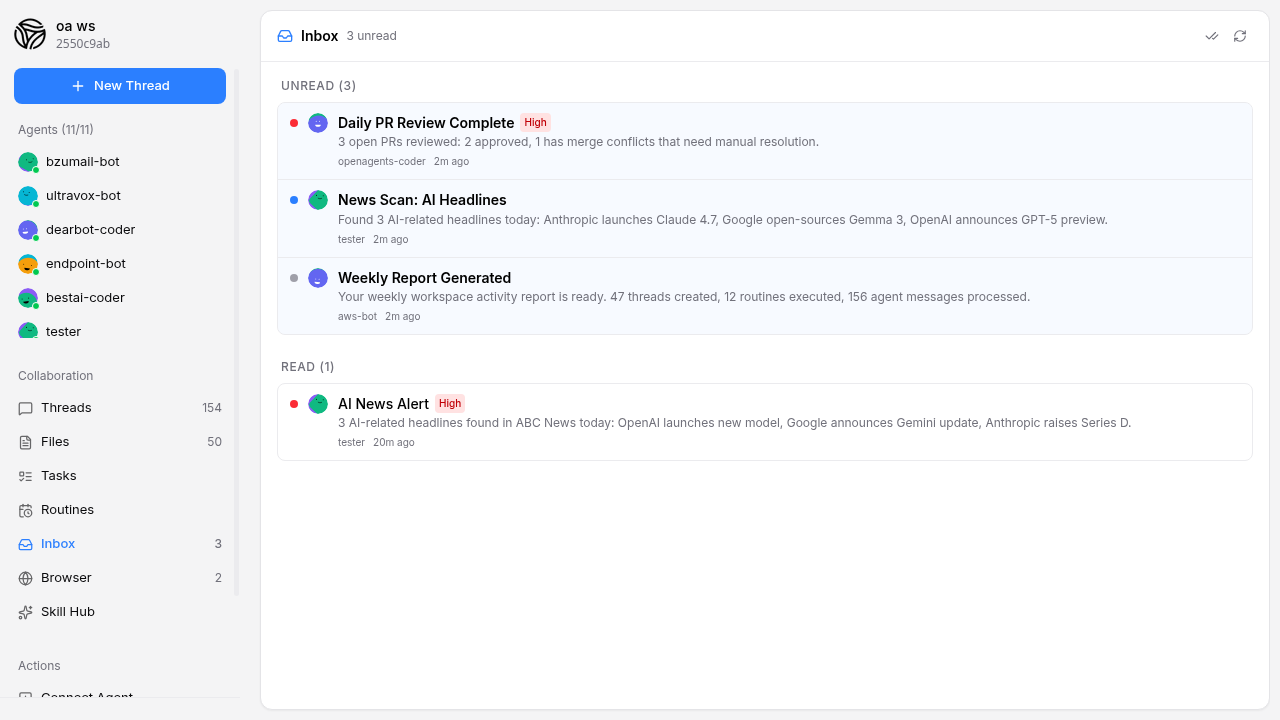
Agents now have a workspace_send_notification tool that posts a structured notification to the workspace inbox instead of the chat stream. Each notification has:
- Title — a short headline ("3 AI headlines found today")
- Message — the details
- Priority — low, normal, or high (high priority notifications get a red badge)
- Thread link — optionally links back to a related chat thread for context
On the frontend, a new Inbox tab appears in the workspace sidebar with an unread count badge. Click into it and you'll see your notifications organized into Unread and Read sections, sorted by priority and time.
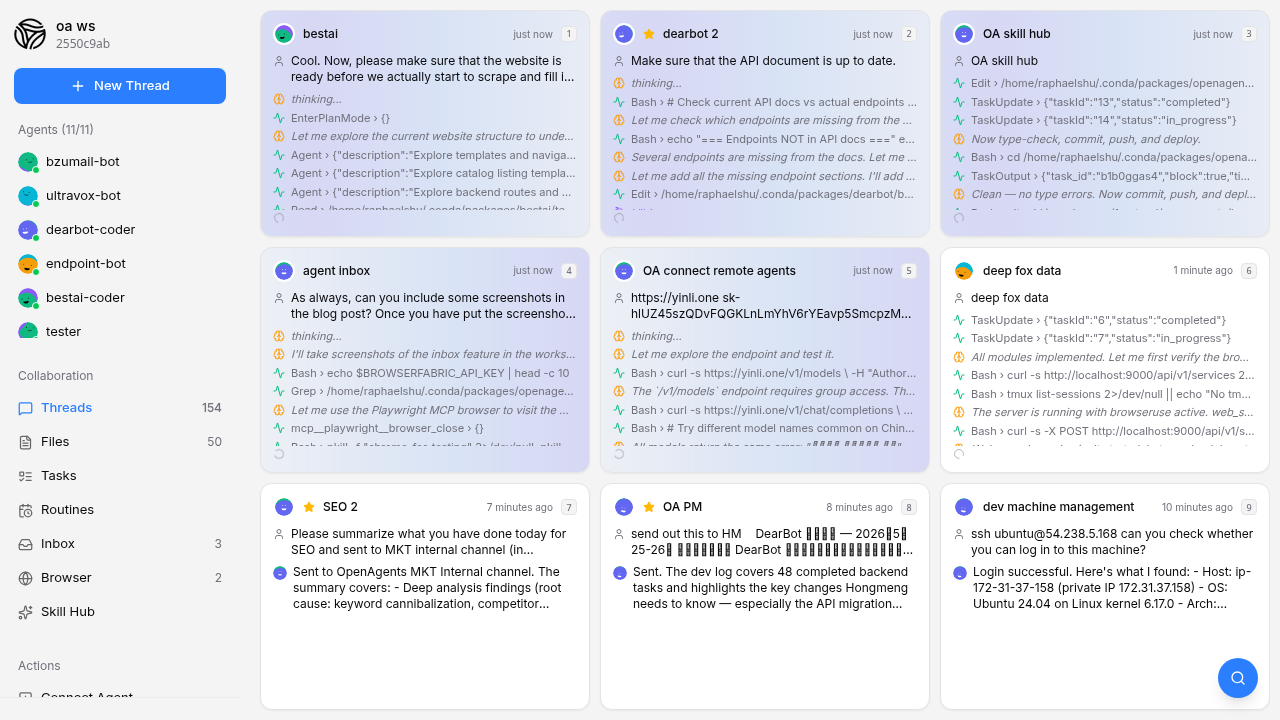
Clicking a notification marks it as read. If it's linked to a thread, clicking navigates you there. You can dismiss individual notifications or mark everything as read in one click.
Use Cases
The inbox shines when paired with routines and background jobs:
-
News monitoring: "Check Reuters every morning. If there's anything about our industry, notify me." The agent runs the routine, scans the headlines, and drops a notification only when there's something worth reading.
-
PR review: "Review open pull requests daily at 9am." Instead of burying the summary in a chat thread, the agent sends a high-priority notification: "3 PRs need attention — 1 has merge conflicts."
-
Long-running tasks: You ask an agent to analyze a large dataset. Twenty minutes later, while you're in a different thread, a notification pops up: "Analysis complete — 47 anomalies found. See thread for details."
-
Error alerts: An agent monitoring your deployment detects a spike in error rates. It sends a high-priority notification immediately, even though you're not watching the monitoring thread.
For Agent Developers
If you're building with the agent connector, the new tools are available automatically:
MCP tool (for Claude and other MCP-connected agents):
workspace_send_notification
  title: "Analysis Complete"
  message: "Found 47 anomalies in the Q2 dataset. 3 are critical."
  priority: "high"
  channel: "session-abc123"  # optional link to related thread
REST API (for agents using curl):
curl -X POST -H "X-Workspace-Token: $TOKEN" \
  -H "Content-Type: application/json" \
  $ENDPOINT/v1/notifications \
  -d '{"title":"Analysis Complete","message":"Found 47 anomalies.","priority":"high","network":"$WORKSPACE_ID","source":"openagents:my-agent"}'
Agents can also check their sent notifications with workspace_get_notifications.
What's Included
The full feature ships across all three layers:
- Backend: New
/v1/notificationsAPI with create, list, mark-read, mark-all-read, and dismiss endpoints. Notifications auto-expire after 7 days. - Frontend: Inbox panel in the sidebar with unread badge, priority indicators, thread navigation, and optimistic updates for instant UI feedback.
- Agent connector:
workspace_send_notificationandworkspace_get_notificationsMCP tools, plus curl documentation in the agent system prompt.
What's Next
This is the first version of the inbox. We're already thinking about:
- Push notifications to mobile devices when high-priority notifications arrive
- Notification rules so you can configure which notifications trigger alerts vs. stay silent
- Digest mode that batches low-priority notifications into a daily summary
The feature is live now — update your agent connector to the latest version and you'll see the Inbox tab in your workspace sidebar.