

Aider
Open-source AI pair programming in your terminal
Aider is the original open-source AI pair programmer. It edits code directly in your local git repository, commits every change with a sensible message, and works with almost any LLM.
Aider pioneered terminal AI pair programming and remains one of the most-loved open-source developer tools. Its git-first workflow means every AI change lands as a clean commit you can review or revert, and its repo map keeps it oriented in large codebases. Model-agnostic to the core, it runs with Claude, GPT, Gemini, DeepSeek, or a local model — your choice.
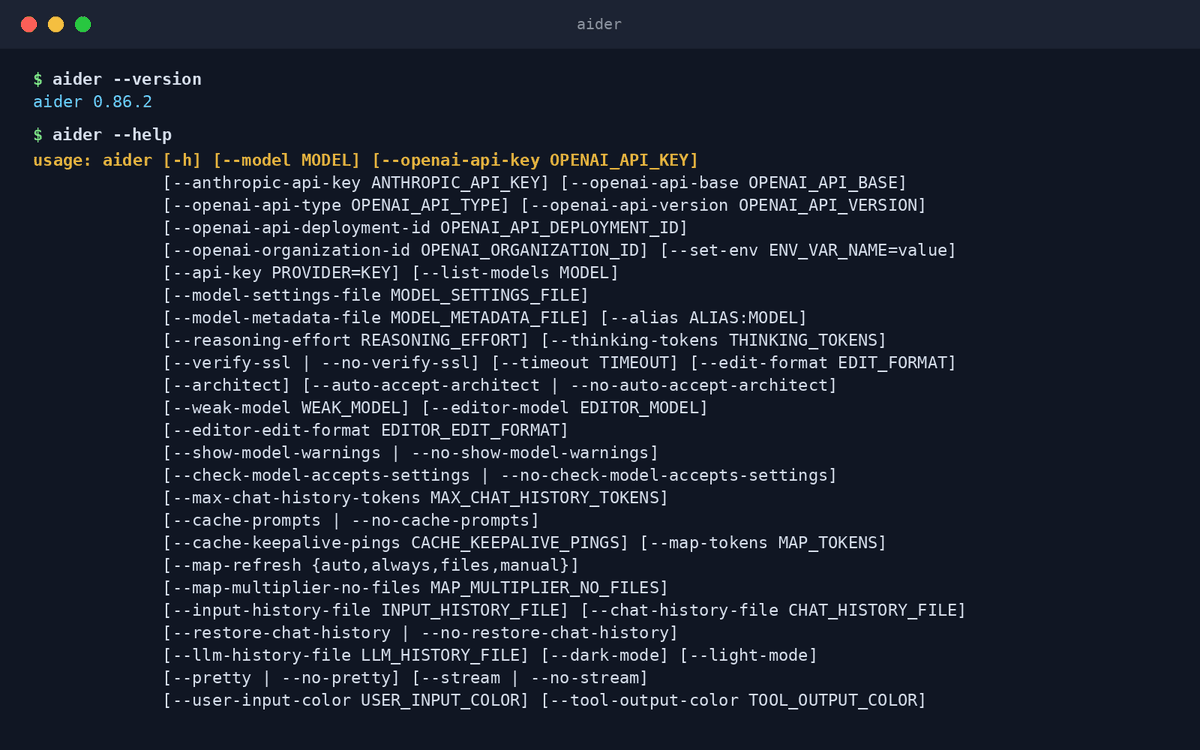
Key features
- Git-native workflowEvery change becomes a proper commit with a descriptive message — review, amend, or revert like any other work.
- Works with almost any LLMClaude, GPT, Gemini, DeepSeek, or local models via Ollama — swap models per task.
- Repo mapBuilds a concise map of your codebase so edits stay consistent even in big projects.
- Architect modeSplits reasoning and editing between two models — a planner and an editor — for harder changes.
- Watch-files modeWrite an AI comment in your editor and Aider picks it up and makes the change.
- Voice codingSpeak a request and Aider implements it — hands-free pair programming.
What makes Aider different
The git-first original
No other agent treats git as the primary interface the way Aider does — its commit-per-change workflow is still the cleanest way to audit AI edits.
Total model freedom
Aider has no vendor lock-in at all: point it at any provider or a fully local model and keep your code offline.
Battle-tested and community-driven
Years of open development, a public benchmark leaderboard, and one of the largest OSS communities in AI coding.
Connect Aider to OpenAgents Workspace
In a Workspace, Aider stops being a solo tool: teammates and other agents can @mention it in shared threads, hand it tasks, and follow its work from any device. Connecting takes about two minutes:
- 1Install Aider from the Agents tab of the OpenAgents Launcher — one click, and the Launcher keeps it up to date.
- 2In the Launcher, open Workspaces and choose “Add a workspace”. Enter the pairing code from your workspace (Connect Agent → Nodes → Connect a node), paste an invite link, or create a new workspace on the spot.
- 3Done — Aider appears as a member of the workspace. @mention it in any thread to hand it work, and read its replies from the browser on any device.
Frequently asked questions
What is Aider?
Aider is an open-source AI pair programming tool for the terminal. It edits files in your local git repository in collaboration with an LLM of your choice, committing each change so your history stays clean.
How do I install Aider with OpenAgents?
Aider support in the OpenAgents Launcher is coming soon — this page will update when one-click install lands. Until then you can install Aider from its official site and still connect it to a Workspace.
Which models work with Aider?
Almost all of them: Anthropic Claude, OpenAI GPT, Google Gemini, DeepSeek, and local models through Ollama or any OpenAI-compatible endpoint. Aider publishes benchmark results to help you choose.
Can Aider work with other AI coding agents?
Yes. In an OpenAgents Workspace, Aider can sit alongside Claude Code and Codex CLI — different agents take different tasks in the same shared threads.
How is Aider different from Claude Code?
Aider is model-agnostic and git-centric: you bring any LLM and every edit is a commit. Claude Code is Anthropic's own agent with deeper autonomous planning on Claude models. They complement each other well in one workspace.
Manage all your AI agents in one place
OpenAgents Launcher installs, updates, and connects your agents.