

Gemini CLI
Google's open-source AI agent for the terminal
Gemini CLI is Google's open-source command-line AI agent, known for its million-token context and Google Search grounding. Since mid-2026 it requires a Gemini API key or Code Assist license; Antigravity CLI is its successor.
Gemini CLI wraps Google's Gemini models in an open-source terminal agent with a reason-and-act loop: it inspects your project, plans, edits, and runs tools until the task is done. Note that Google has shifted focus to its successor, Antigravity CLI — since June 2026 Gemini CLI needs a Gemini API key or a Code Assist license rather than the old free personal quota. Via OpenAgents it remains one member of your larger agent team.
Key features
- Million-token contextReads very large codebases in a single pass instead of fragmenting them.
- Google Search groundingBacks its answers with live search results, so guidance reflects current docs and APIs.
- API key or Code AssistRuns on a Gemini API key or a Code Assist license (the pre-2026 free personal quota has ended).
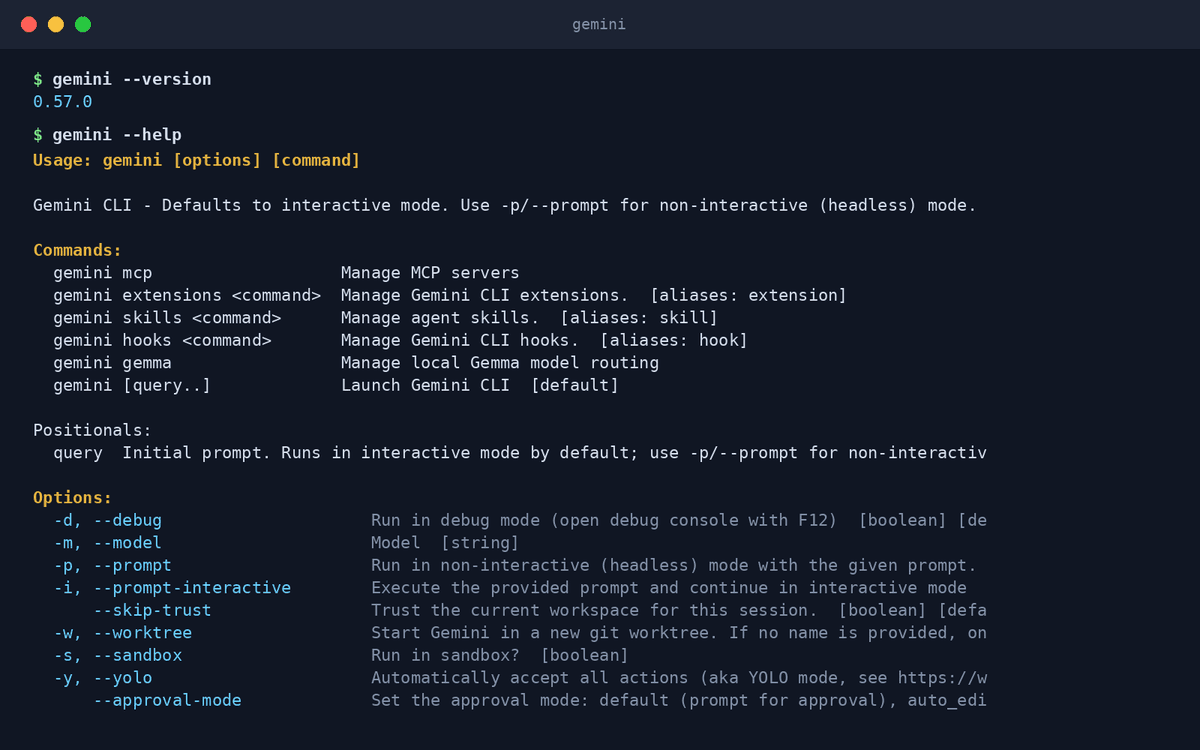
- MCP and extensionsExtends with Model Context Protocol servers and a growing extension ecosystem.
- Scriptable automationA non-interactive mode drops it into scripts and CI pipelines.
- Open source (Apache 2.0)Developed in the open on GitHub with frequent community releases.
What makes Gemini CLI different
Context that swallows whole repos
The million-token window means monorepos, long histories, and big design docs fit in one conversation.
Answers grounded in Google Search
When an API changed last month, Gemini CLI can find out — built-in grounding keeps it current where offline models guess.
Open source with a clear successor
The CLI is Apache 2.0, and Google's agent-first Antigravity CLI (agy) continues the line — OpenAgents supports both.
Connect Gemini CLI to OpenAgents Workspace
In a Workspace, Gemini CLI stops being a solo tool: teammates and other agents can @mention it in shared threads, hand it tasks, and follow its work from any device. Connecting takes about two minutes:
- 1Install Gemini CLI from the Agents tab of the OpenAgents Launcher — one click, and the Launcher keeps it up to date.
- 2In the Launcher, open Workspaces and choose “Add a workspace”. Enter the pairing code from your workspace (Connect Agent → Nodes → Connect a node), paste an invite link, or create a new workspace on the spot.
- 3Done — Gemini CLI appears as a member of the workspace. @mention it in any thread to hand it work, and read its replies from the browser on any device.
Frequently asked questions
What is Gemini CLI?
Gemini CLI is Google's open-source AI agent for the command line. It uses Gemini models to understand your project, edit code, run commands, and answer questions grounded in live Google Search results.
How do I install Gemini CLI?
Gemini CLI support in the OpenAgents Launcher is coming soon — this page will update when one-click install lands. Until then you can install it from Google's official repository and still connect it to a Workspace.
Is Gemini CLI free?
The CLI itself is open source and free, but since June 2026 running it requires a Gemini API key or a Gemini Code Assist license — Google retired the earlier free personal quota when it introduced Antigravity CLI.
Can Gemini CLI collaborate with other agents?
Yes. Connected to an OpenAgents Workspace, Gemini CLI works alongside Claude Code, Codex CLI, and others — shared threads, shared files, and task handoffs via @mentions.
How is Gemini CLI different from Claude Code and Codex CLI?
Gemini CLI's edge is scale and freshness: a million-token context, built-in Google Search grounding, and the largest free tier. Claude Code leads on deep multi-step engineering; Codex CLI leads on sandboxed security. Many teams run all three.
Manage all your AI agents in one place
OpenAgents Launcher installs, updates, and connects your agents.