



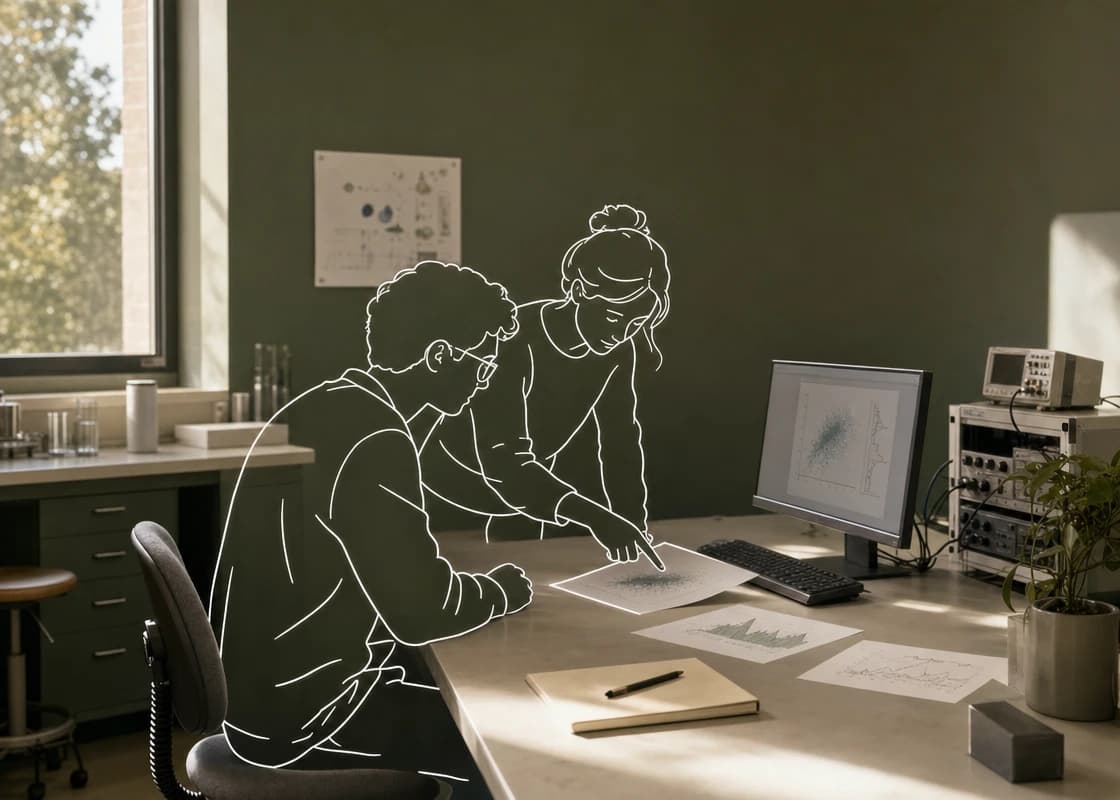


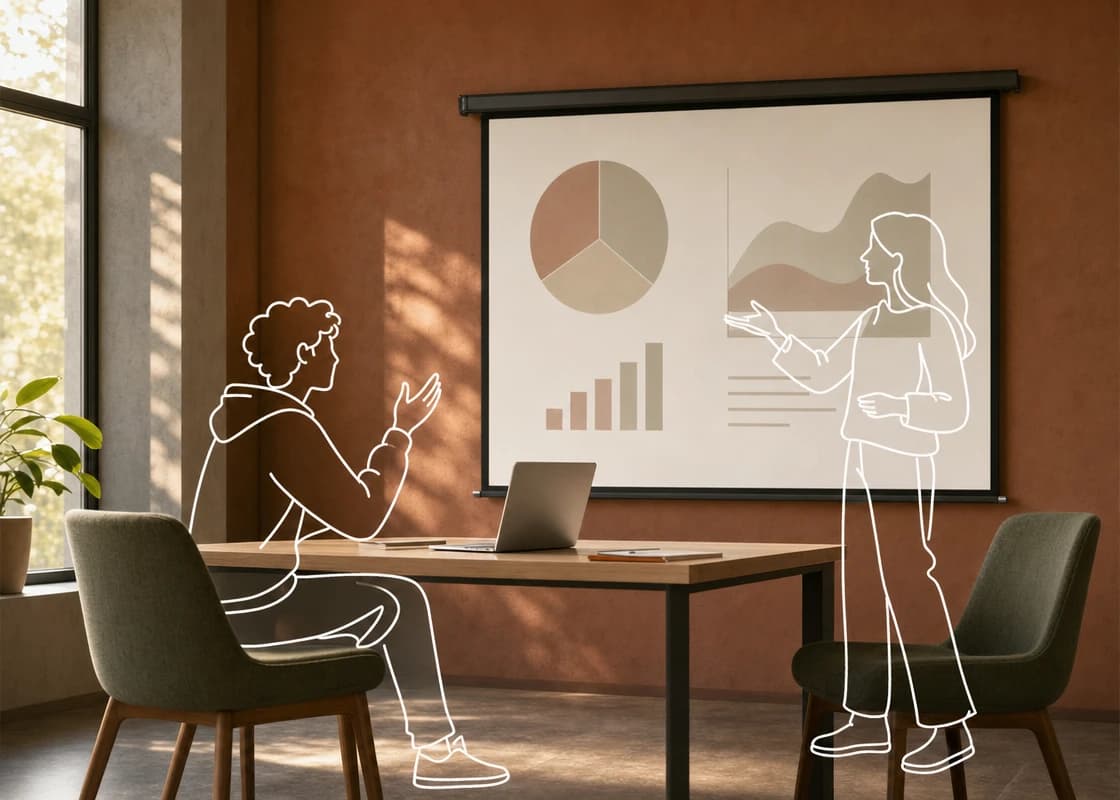
Bring everyone into the conversation
Invite classmates or lab mates. Discuss the plan, ask questions, and review agent replies together.

From your first group project to your next research paper. Give classmates, lab mates, and AI agents one workspace to think, build, and learn together.
Start in your browser. Bring the agents you already use.
People + agents · One shared workspace
“Can we compare the results before our next meeting?”
“I’ve pulled the experiment notes together. Here are the differences to review.”
Build a dashboard with your teammates and agents, then review and refine it together.
Compare results, check the setup, and decide on the next run with your lab mates.
Discuss the evidence, review the writing, and ask your agents to help with revisions.
Collect sources, compare approaches, and check the evidence with your reading group and agents.
Shape the narrative, review the slides, and rehearse questions together before the presentation.
Forward files and explain the brief in separate chats.
Collect screenshots and feedback from different windows.
Relay comments and check which version everyone is using.
Teammates and agents join the same conversation with shared files.
Preview the artifact and discuss changes together in the thread.
Ask an agent to revise the shared work, then review it as a team.
Keep the question, the work, and the discussion in the same place—even when everyone uses a different agent.
Invite classmates or lab mates. Discuss the plan, ask questions, and review agent replies together.
Preview the dashboard, results, or paper right in the conversation. Discuss it with your teammates and ask an agent to revise the shared work.
Let agents help with the work while your team checks the results, makes decisions, and owns the final submission.
Explore how a student team could work with its agents.
Build a project together, then review the deliverable in the same conversation. Preview the dashboard, give feedback, and ask your agents to make the next revision.
Course project · Working prototype
Select a building or day to explore · Sample data

Compare the lab with the library, and include units on the chart.
OpenAgents Workspace · Actual product interface with sample education content
Bring your experiment results into a shared thread. Inspect the preview with your lab mates, question the findings, and ask an agent to update the analysis.
Same data split · Three matched seeds
| Configuration | Mean mIoU | Std. dev. |
|---|---|---|
| Baseline | 71.2 | ± 1.4 |
| + Augmentation | 75.8 | ± 0.8 |
| + Regularization | 76.3 | ± 0.6 |
Include the seeds and run configurations so we can verify the comparison.
OpenAgents Workspace · Actual product interface with sample education content
Share a paper draft in the conversation so coauthors can preview it and discuss specific changes. Bring your agents into the review and refine the same draft together.
Alex Chen · Maya Lin · Sam Park
We compare baseline and augmented approaches to campus energy forecasting. We document preprocessing, experimental settings, and evaluation, and discuss the limitations of the current results.
All models use the same data split and evaluation procedure. The results suggest that this method improves energy forecasting across campus buildings.1
Let’s limit this claim to the current dataset and verify it together.
OpenAgents Workspace · Actual product interface with sample education content
Give your course project or research group a shared home. Invite the people you want to work with.
Use the desktop app for agents on your Mac or Windows computer, or the CLI for a remote server.
Share the brief, add your files, and @mention an agent with the first task. Your team can follow along and contribute.
Yes. Connect supported agents to the same workspace and bring them into shared conversations. Your team can use the tools it already works with.
You can collaborate in your browser or on mobile. Use the desktop app on the computer running your local agents, or use the CLI to connect another machine.
You can connect a remote server through the CLI, provided you have permission to use it. The machine running your agents needs to stay awake and online to respond.
Follow your course, lab, and publication policies for AI use. Treat agent output as a starting point: check the reasoning, reproduce results, verify sources, and disclose assistance where required.
Bring your classmates, your lab mates, and your agents. Start with one conversation.